Free Pixel Art Backgrounds with Parallax Layers
Six pixel art backgrounds for platformers and side scrollers: Forest, Desert, Cave, Night City, Snow Mountains and Ocean Beach. Each scene is four layers (sky, far, middle and near) that you scroll at different speeds for depth, plus the whole scene as one PNG. Watch them move below, pull the layers apart to see how they stack, and download one scene or all six.
Watch how it works
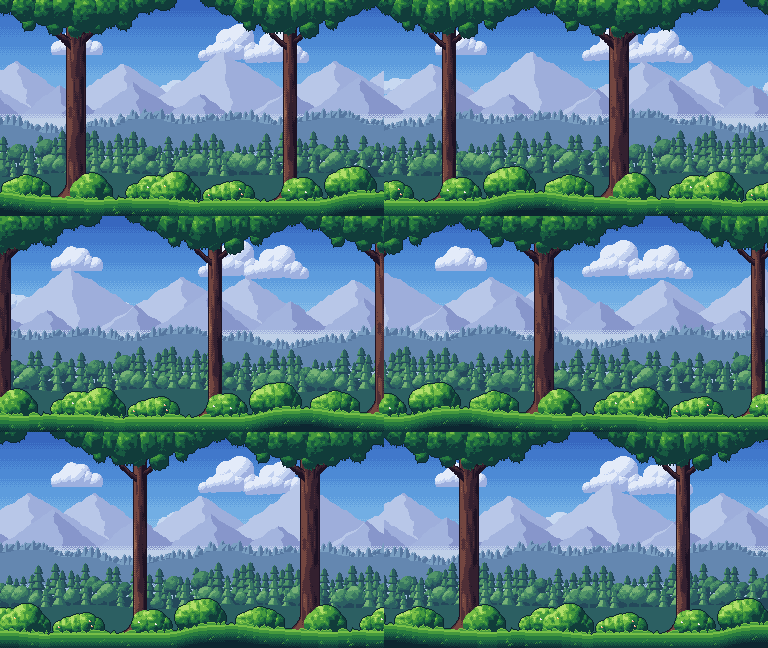
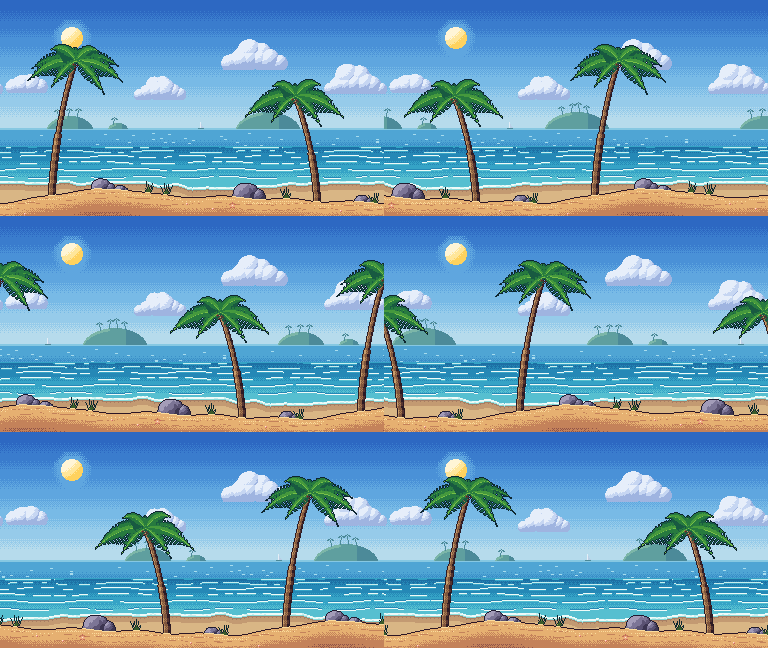
Every layer is 384 by 216 pixels, a 16:9 screen that fills 1920 by 1080 at exactly 5x, and repeats sideways without a seam. Only the sky is opaque; the other layers are transparent around their shapes. They are CC0: use them in any project, commercial or not, with no credit needed.
6 scenes · 4 layers each · 384 by 216 px · seamless sideways · CC0. Download all 6 (.zip, 288 KB).
In a real game
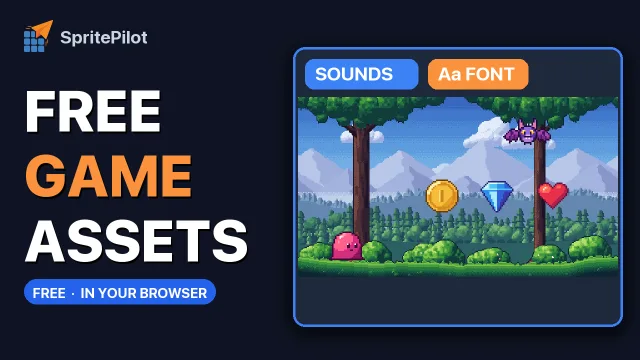
The Forest scene with its four layers scrolling at their own speeds, a slime from the creature pack collecting coins, gems and hearts, and the score written in the free Wingtip Pixel font. Press Play with sound to hear the coin from the free sound effects.
The 6 scenes
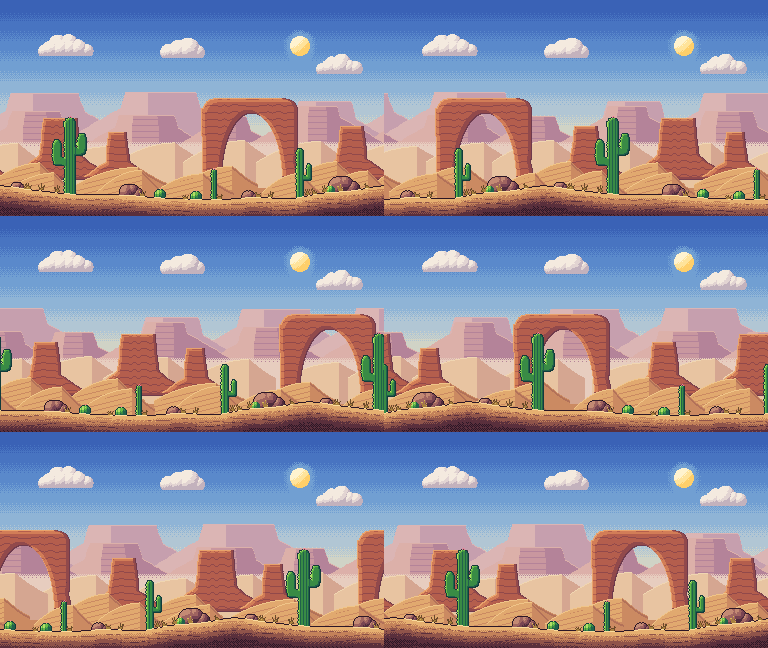
Each preview scrolls the real layers at the speeds below. Show the layers pulls them apart: the sky stays still, the far layer moves slowly and the near layer moves with the ground.
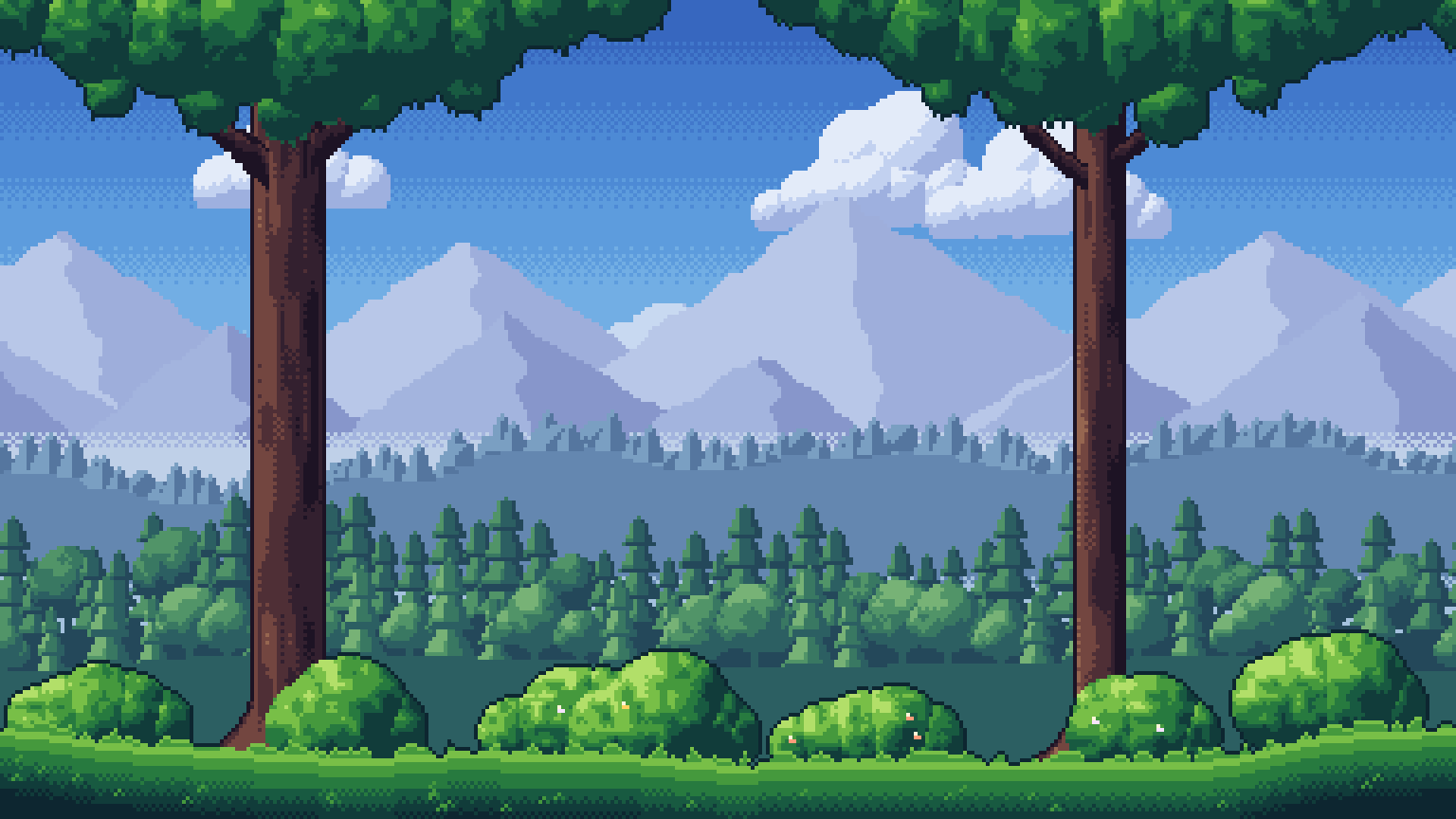
Forest background
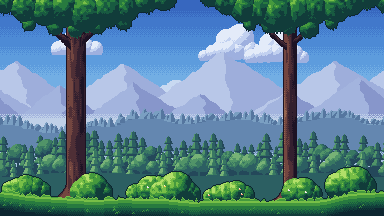
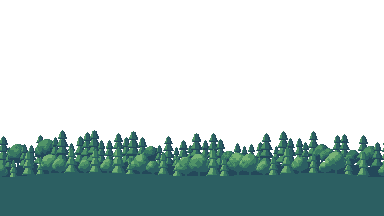
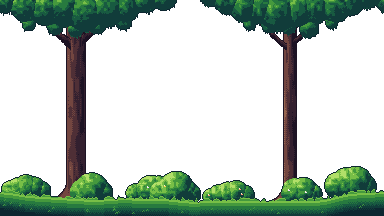
Pine and broadleaf woods under misty lavender mountains, with two big trunks and leafy bushes in front.
Layers: Sky (2.4 KB) · Far (3.4 KB) · Middle (4.5 KB) · Near (7.7 KB)
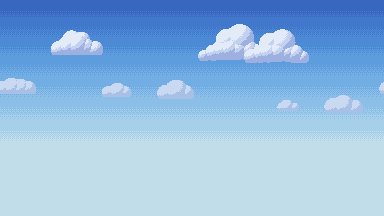
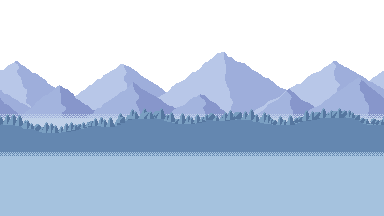
Whole scene: PNG 384 by 216 (14 KB) · PNG 4x (40 KB) · GIF preview (1.8 MB) · Forest (.zip, 61 KB)
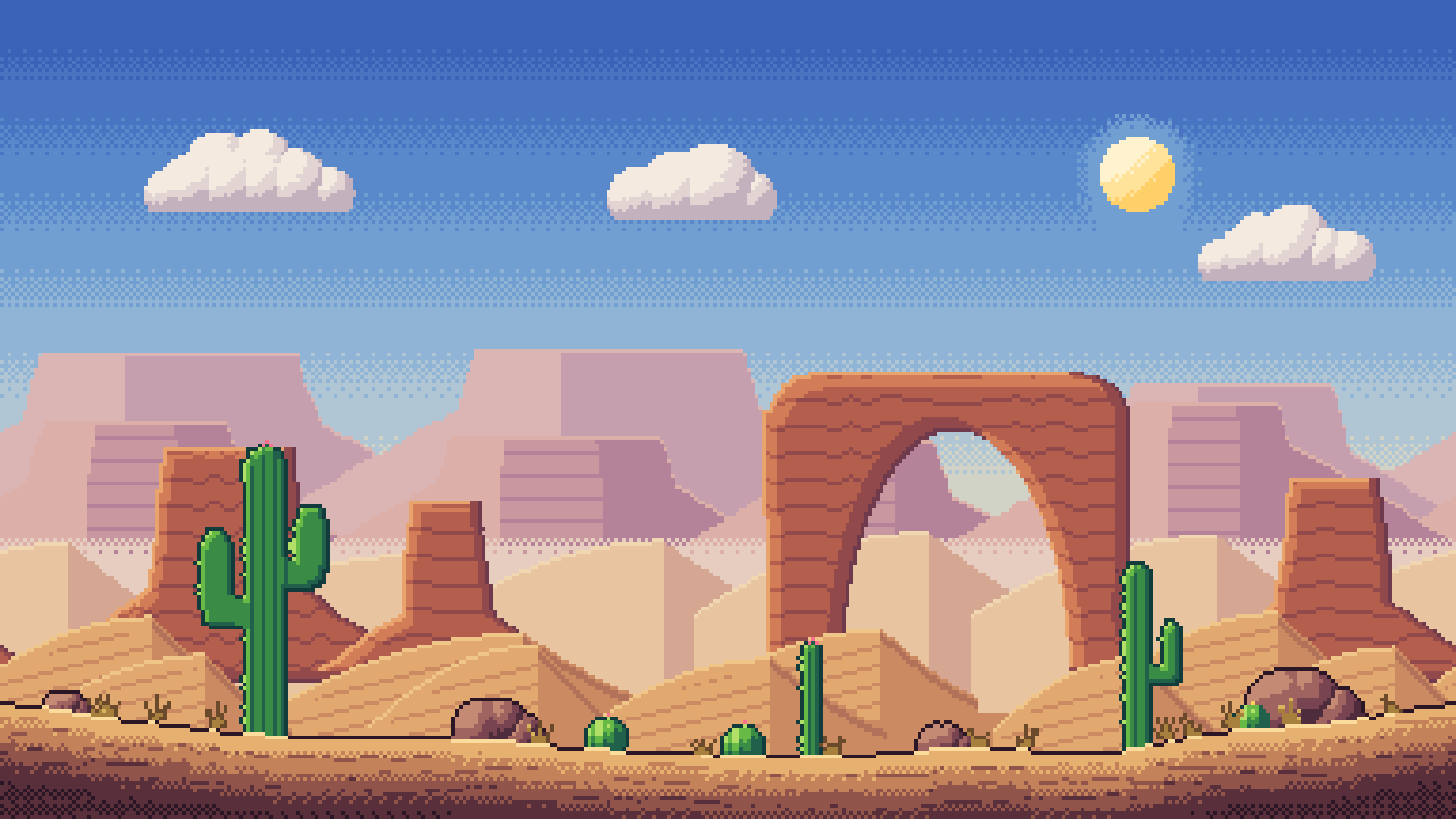
Desert background
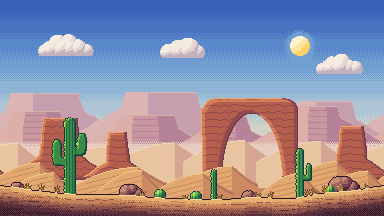
Red rock country at golden hour: mesas, a natural arch, dunes and cacti.
Layers: Sky (2.0 KB) · Far (2.5 KB) · Middle (3.6 KB) · Near (3.2 KB)
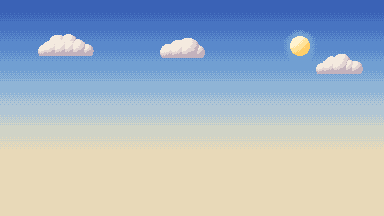
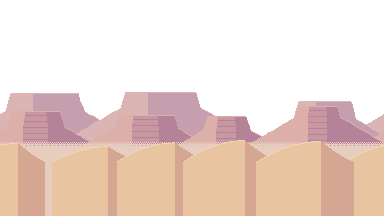
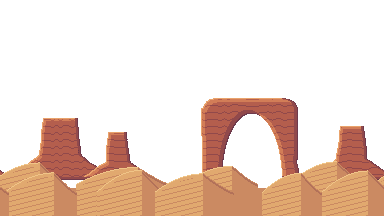
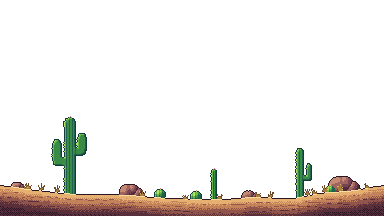
Whole scene: PNG 384 by 216 (8.3 KB) · PNG 4x (30 KB) · GIF preview (1.3 MB) · Desert (.zip, 40 KB)
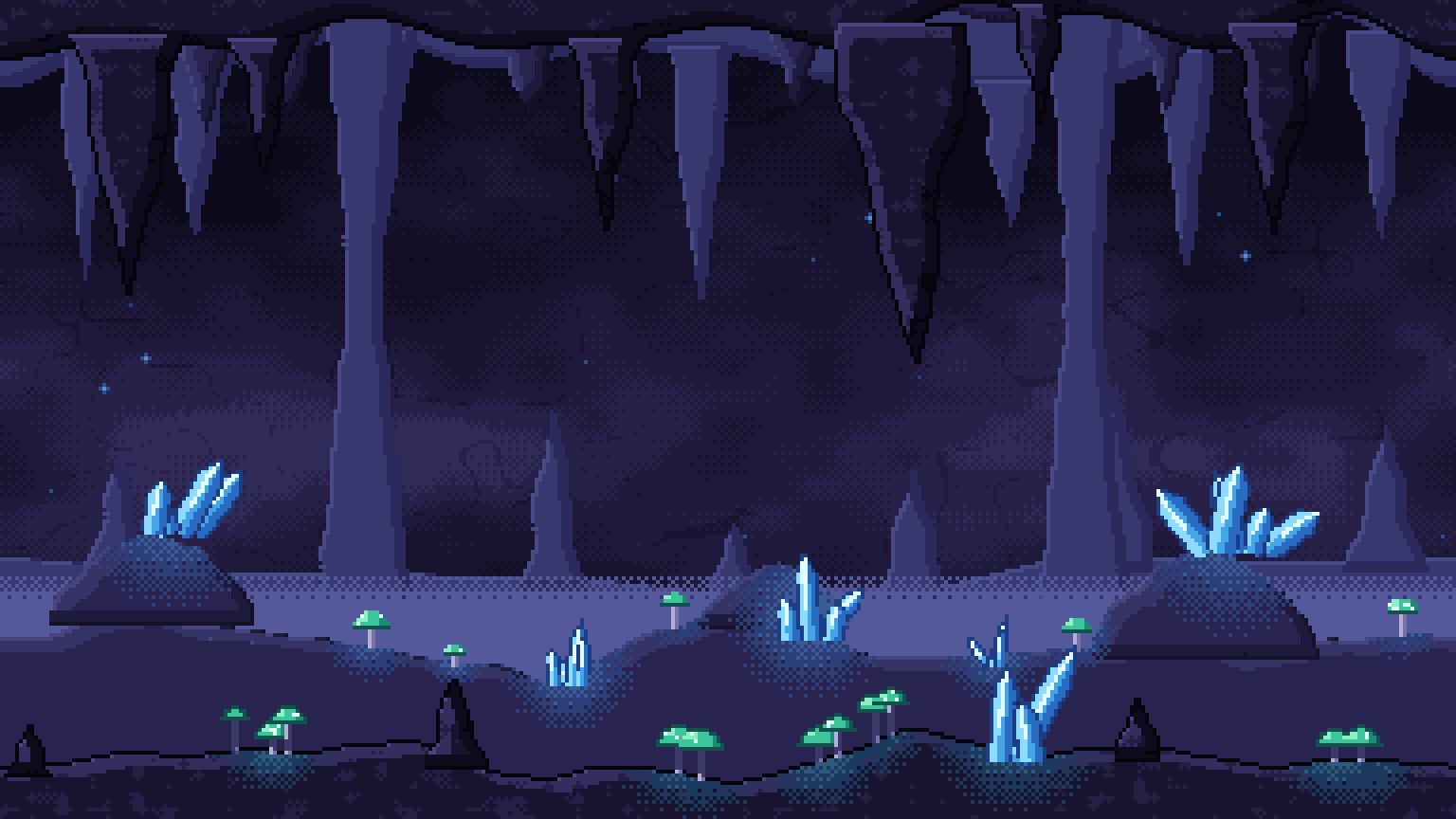
Cave background
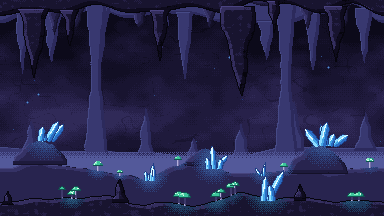
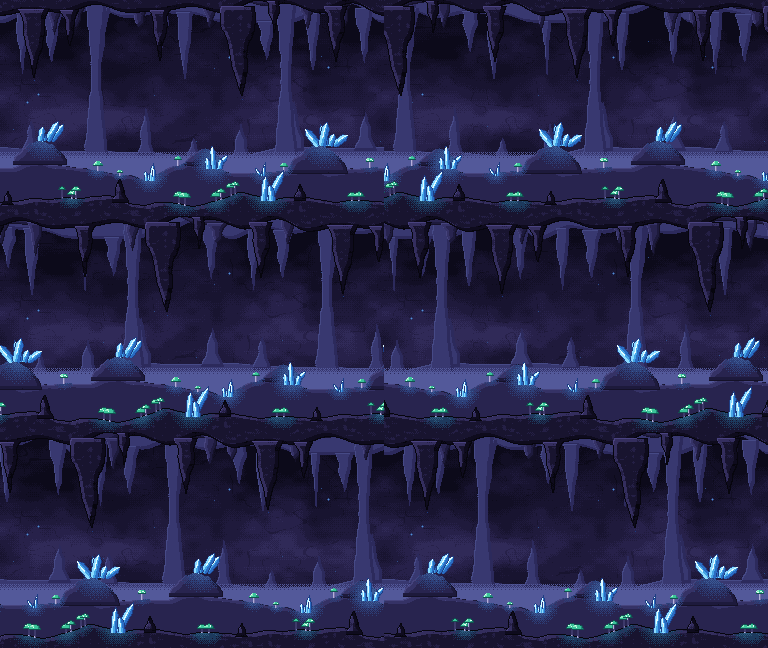
A crystal cavern: misty rock columns, glowing crystals and mushrooms, with stalactites hanging in front.
Layers: Sky (9.7 KB) · Far (3.1 KB) · Middle (3.9 KB) · Near (4.8 KB)
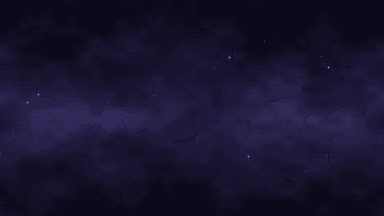
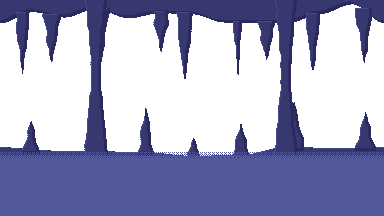
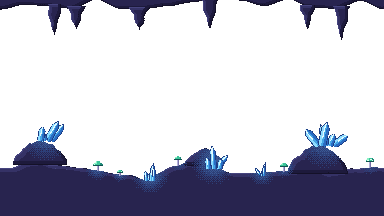
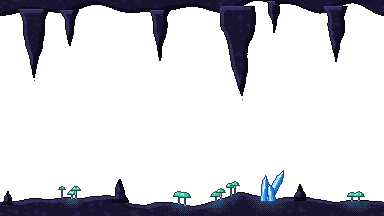
Whole scene: PNG 384 by 216 (15 KB) · PNG 4x (42 KB) · GIF preview (1.8 MB) · Cave (.zip, 66 KB)
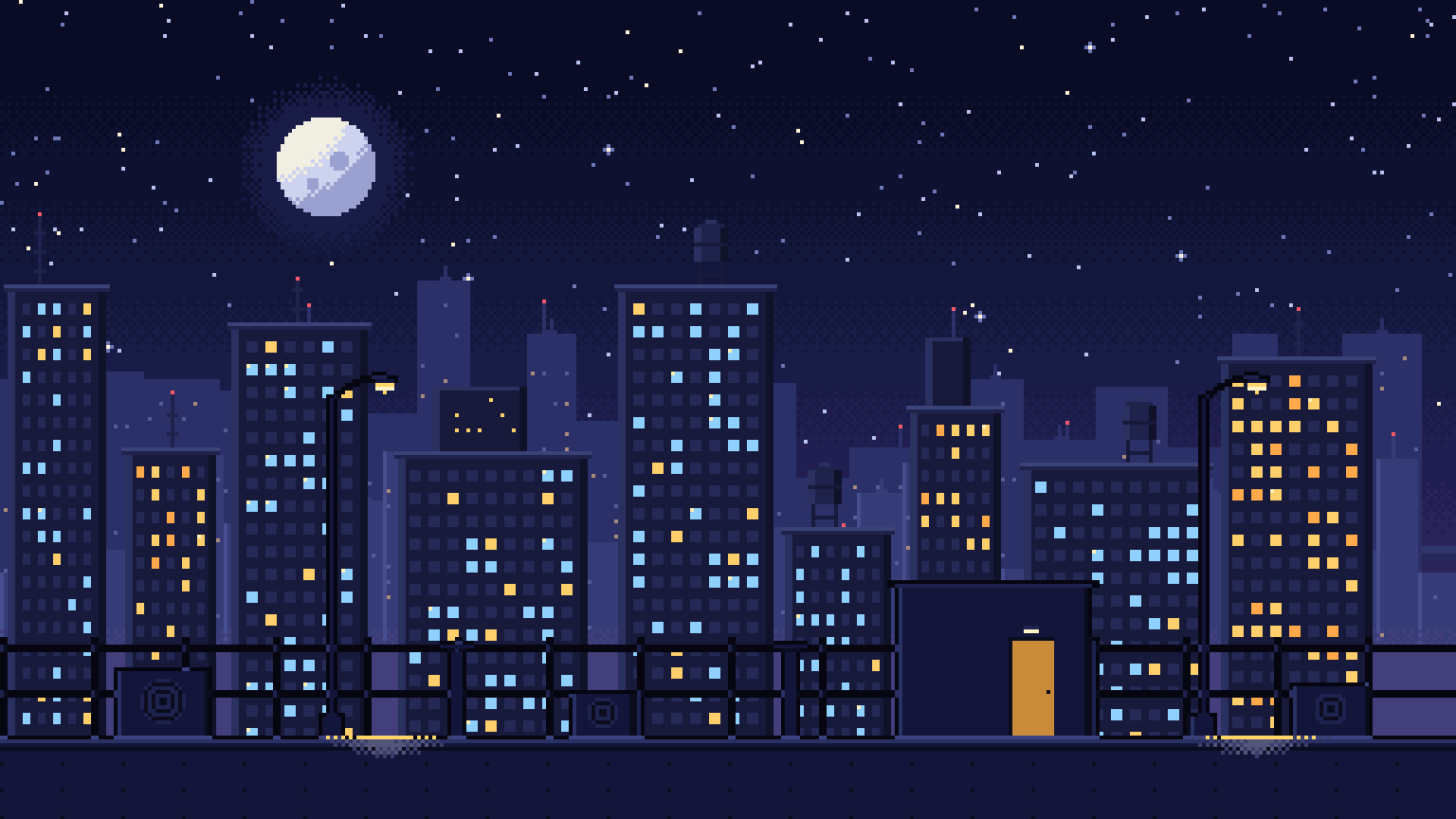
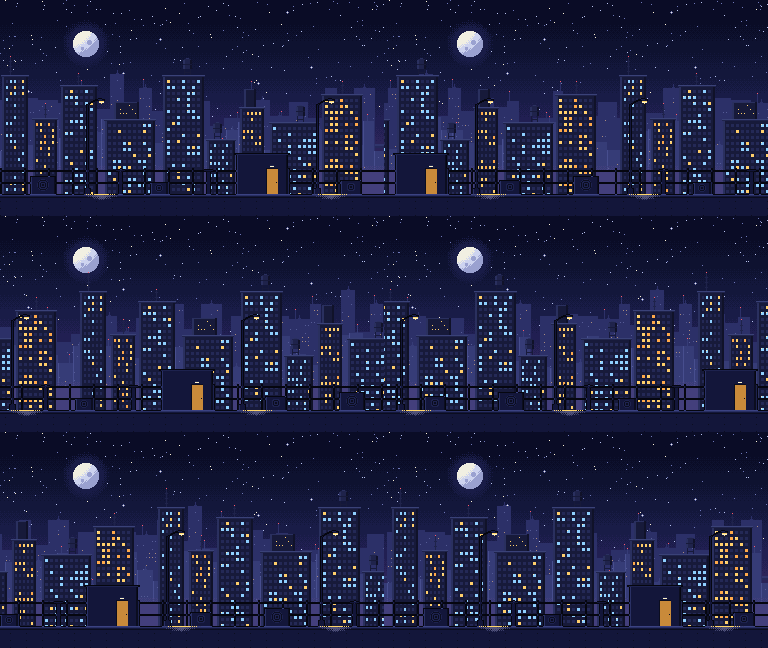
Night City background
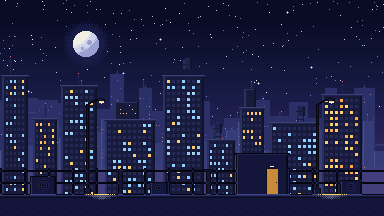
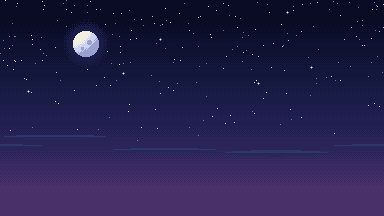
A moonlit city: a starry sky, a hazy skyline full of lit windows and a rooftop with lamps in front.
Layers: Sky (2.5 KB) · Far (2.6 KB) · Middle (3.2 KB) · Near (1.6 KB)
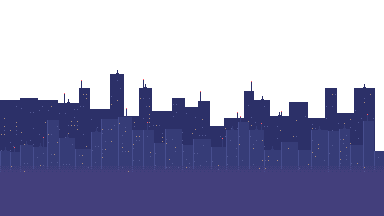
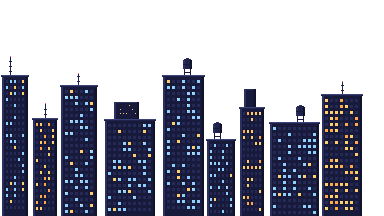
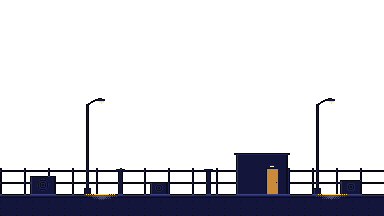
Whole scene: PNG 384 by 216 (6.4 KB) · PNG 4x (29 KB) · GIF preview (1.3 MB) · Night City (.zip, 36 KB)
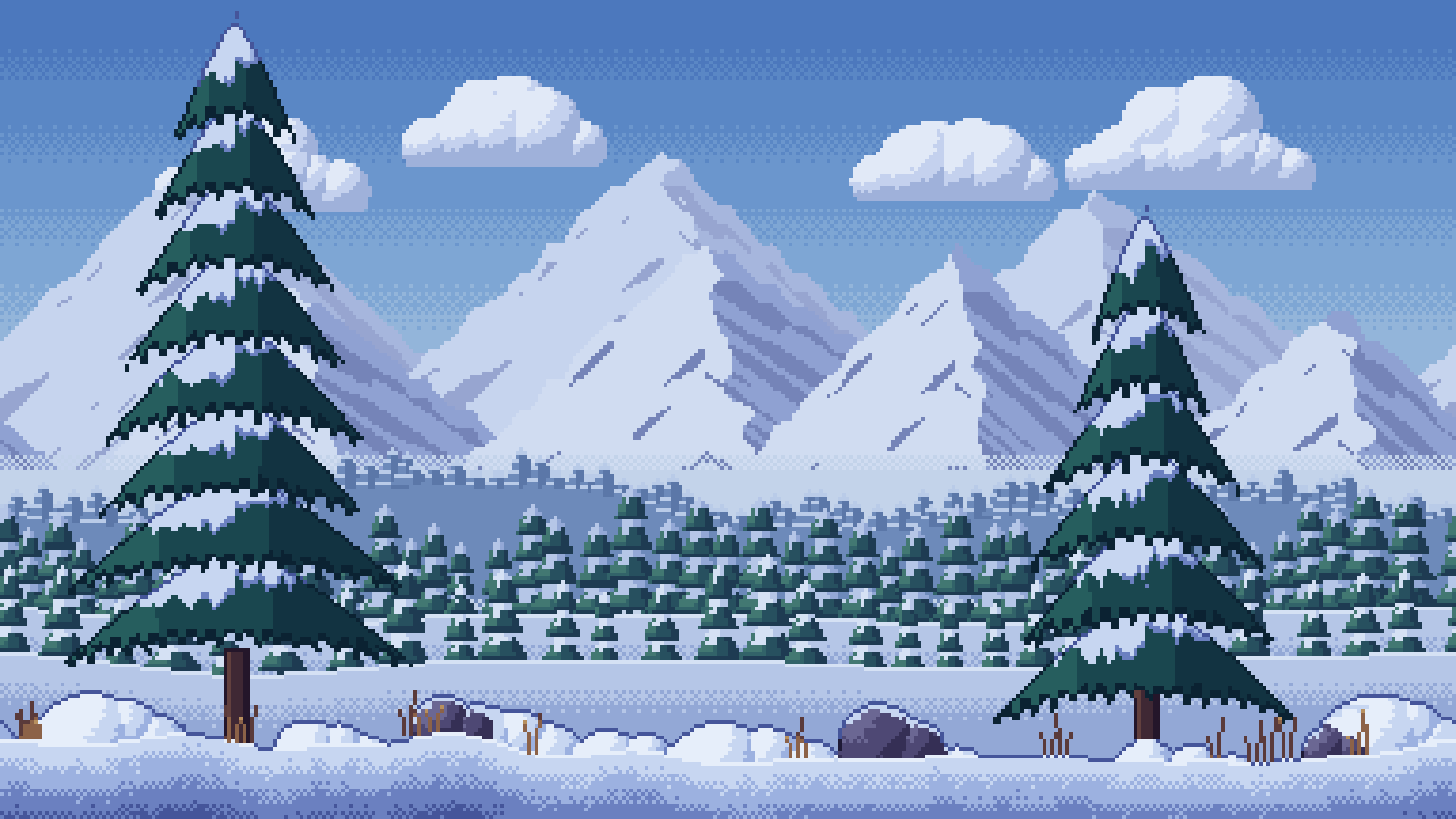
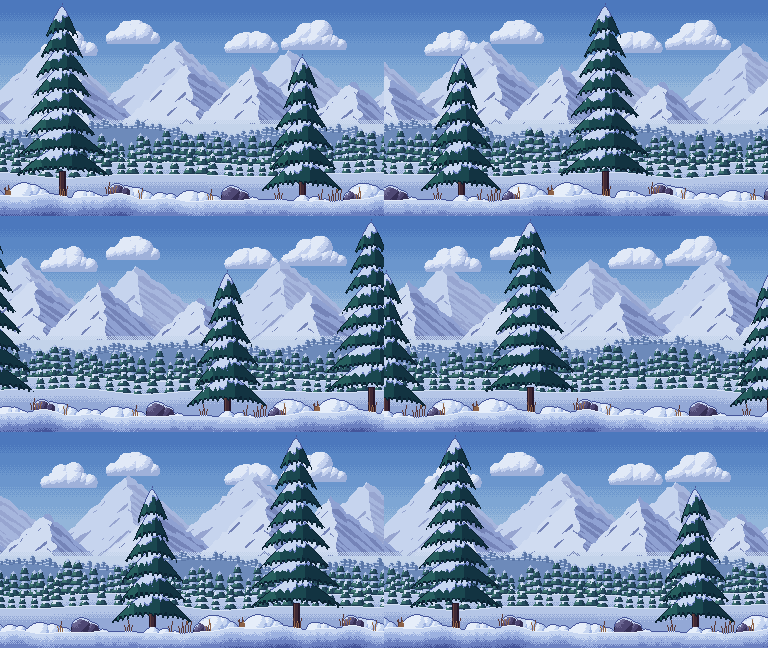
Snow Mountains background
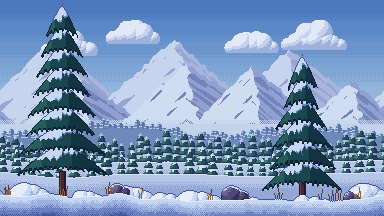
High country in winter: snowy peaks, a forest of snow laden pines and deep drifts in front.
Layers: Sky (2.0 KB) · Far (4.8 KB) · Middle (4.9 KB) · Near (6.4 KB)
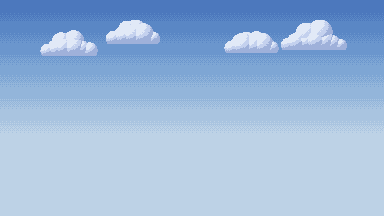
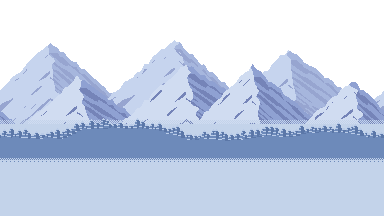
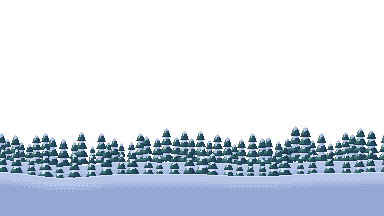
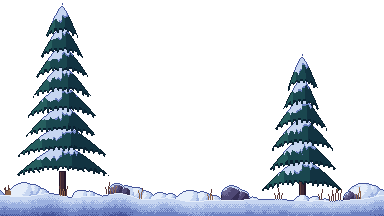
Whole scene: PNG 384 by 216 (14 KB) · PNG 4x (40 KB) · GIF preview (1.8 MB) · Snow Mountains (.zip, 60 KB)
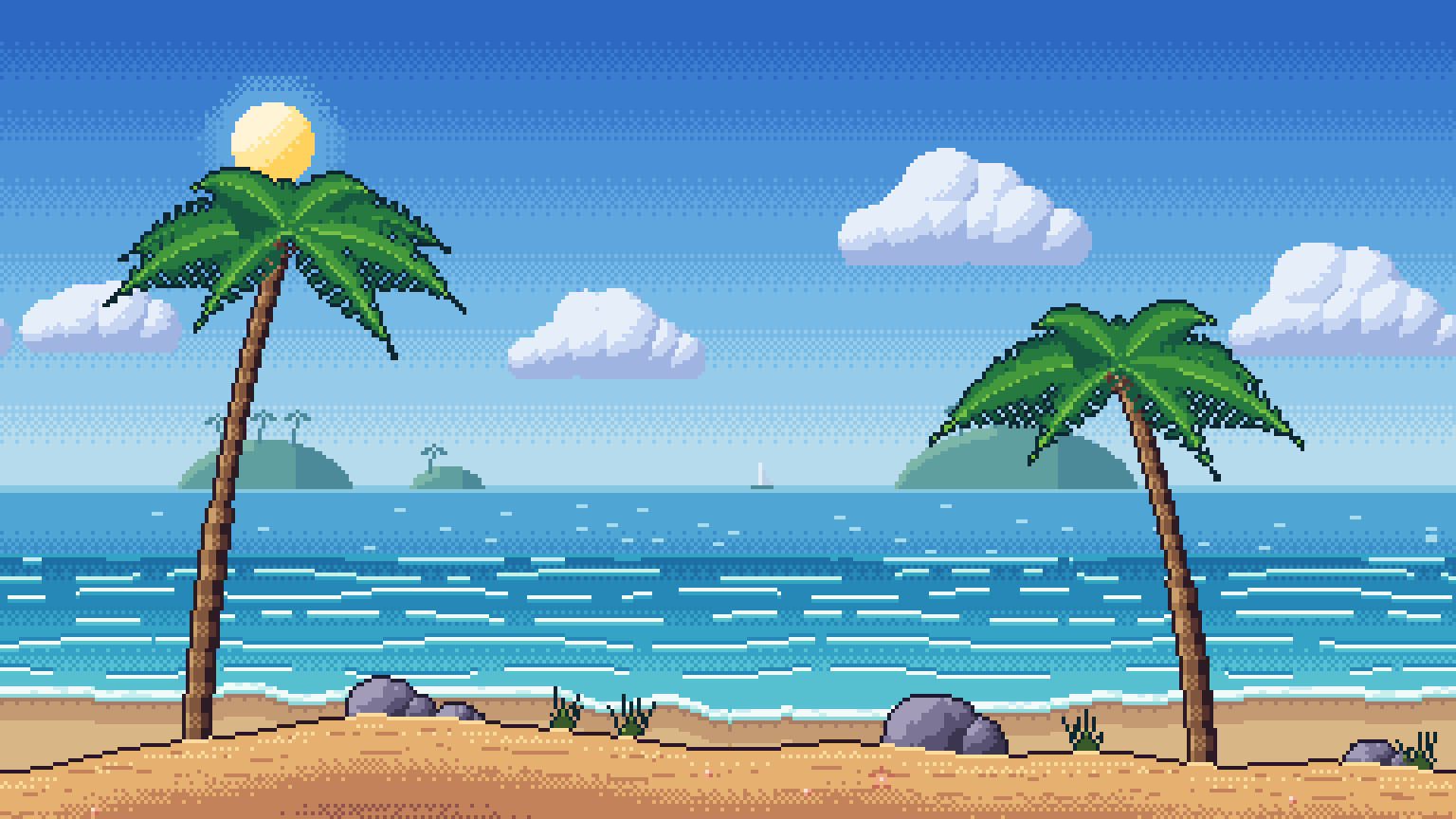
Ocean Beach background
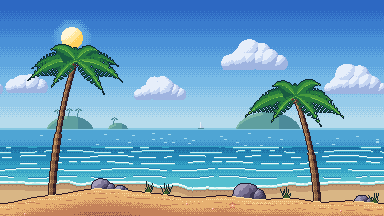
A tropical morning: open sea with islands, rolling waves, palm trees and sand in front.
Layers: Sky (2.4 KB) · Far (1.6 KB) · Middle (1.9 KB) · Near (4.9 KB)
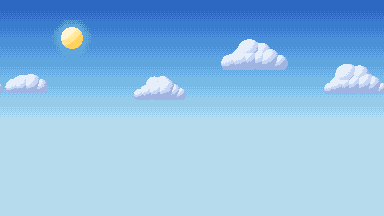
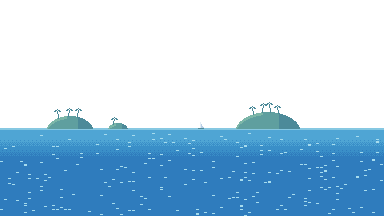
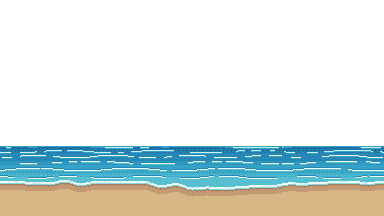
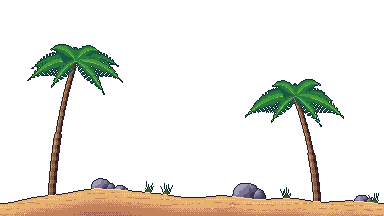
Whole scene: PNG 384 by 216 (8.6 KB) · PNG 4x (29 KB) · GIF preview (1.3 MB) · Ocean Beach (.zip, 40 KB)
All six scenes in one file, with a README and the license: spritepilot-backgrounds-pack.zip (288 KB).
Layer speeds
- 1. Sky: 0.0
- 2. Far: 0.2
- 3. Middle: 0.5
- 4. Near: 1.0
How to use parallax backgrounds
Godot 4
- In Godot 4.3 or newer, add one Parallax2D node per layer, sky first, each with a Sprite2D child showing that layer's PNG with Centered turned off.
- Set each Parallax2D's Scroll Scale x to its layer's speed (sky 0, far 0.2, middle 0.5, near 1.0) and Repeat Size to (384, 0). Raise Repeat Times if the camera zooms out.
- In Godot 4.0 to 4.2, use a ParallaxBackground with one ParallaxLayer per layer instead: Motion Scale (speed, 1) and Motion Mirroring (384, 0).
- Set Project Settings > Rendering > Textures > Default Texture Filter to Nearest.
Unity
- Import the four PNGs as Sprite (2D and UI) with Filter Mode Point, Compression None and the same Pixels Per Unit as the rest of your art (for example 16).
- Add one sprite per layer with the sky at the back: Order in Layer 0 for the sky up to 3 for the near layer.
- To repeat a layer sideways, set the sprite's Mesh Type to Full Rect, then set the Sprite Renderer's Draw Mode to Tiled and make it two or three screens wide.
- Move each layer with the camera in LateUpdate, by its scroll factor (0 for the sky, 1 for the near layer):
float x = startX + cam.position.x * (1f - factor); transform.position = new Vector3(x, transform.position.y, transform.position.z); - For crisp pixels add a Pixel Perfect Camera with Reference Resolution 384 by 216 and the same Pixels Per Unit.
Phaser 3
- Load each layer with this.load.image, then add two copies of it side by side, fixed to the camera:
const far = [0, 384].map(x => this.add.image(x, 0, 'forest-far') .setOrigin(0, 0).setScrollFactor(0)) - In update(), move both copies by the camera position times the layer's factor, wrapped every 384 pixels:
const x = -Phaser.Math.Wrap(this.cameras.main.scrollX * 0.2, 0, 384) far[0].x = x far[1].x = x + 384 - Add the sky first and the near layer last, and set pixelArt: true in the game config with a 384 by 216 game size scaled up by whole numbers.
- Avoid a tileSprite for these layers: in WebGL, Phaser 3 resizes a tileSprite's texture to a power of two (384 becomes 512), which softens the pixel edges. Two plain images stay sharp.
Questions
Can I use these backgrounds in a commercial game?
Yes. All six scenes are released under CC0 1.0, so you can use them in commercial or personal games, videos and apps, change them and share or sell what you make with them. Credit is welcome but never required.
How fast should each layer scroll?
Multiply the camera's movement by 0 for the sky, 0.2 for the far layer, 0.5 for the middle layer and 1.0 for the near layer. The sky stays still and the near layer moves with the ground. For a softer foreground, try 0.8 on the near layer. The previews on this page use these speeds.
Do the backgrounds repeat?
Sideways, yes: every layer tiles horizontally without a seam, so you can put copies side by side or let the engine repeat the texture every 384 pixels. They are not made to repeat vertically, so keep the camera within the scene's height.
What resolution should my game use?
The layers are 384 by 216 pixels, a 16:9 screen. Render your game at that size and scale it up by whole numbers: 5x fills 1920 by 1080 and 10x fills 3840 by 2160. Use nearest neighbor (Point) filtering so the pixels stay sharp.
Free for any use (CC0)
All six scenes and every file here are released under CC0 1.0: use them in any project, commercial or not, change them and share them, without asking and without crediting anyone.
More free game assets
- Free Pixel Font: Wingtip Pixel
- Free Sound Effects for Games: 150 sounds
- Free Pixel Art Effects: 7 animated sprites
- Free Pixel Art Pickup Sprites: 10 animated sprites
- Free Pixel Art Combat Effects: 9 animated sprites
- Free Pixel Art Spell & Projectile Effects: 9 animated sprites
- Free Animated Pixel Art Tiles & Props: 9 animated sprites
- Free Pixel Art Weather & Ambient Effects: 9 animated sprites
- Free Pixel Art Creature & Enemy Sprites: 8 animated sprites
- Free Pixel Art UI & Feedback Icons: 9 animated sprites
- Free Pixel Art RPG Items: 12 animated sprites