Neon Arena
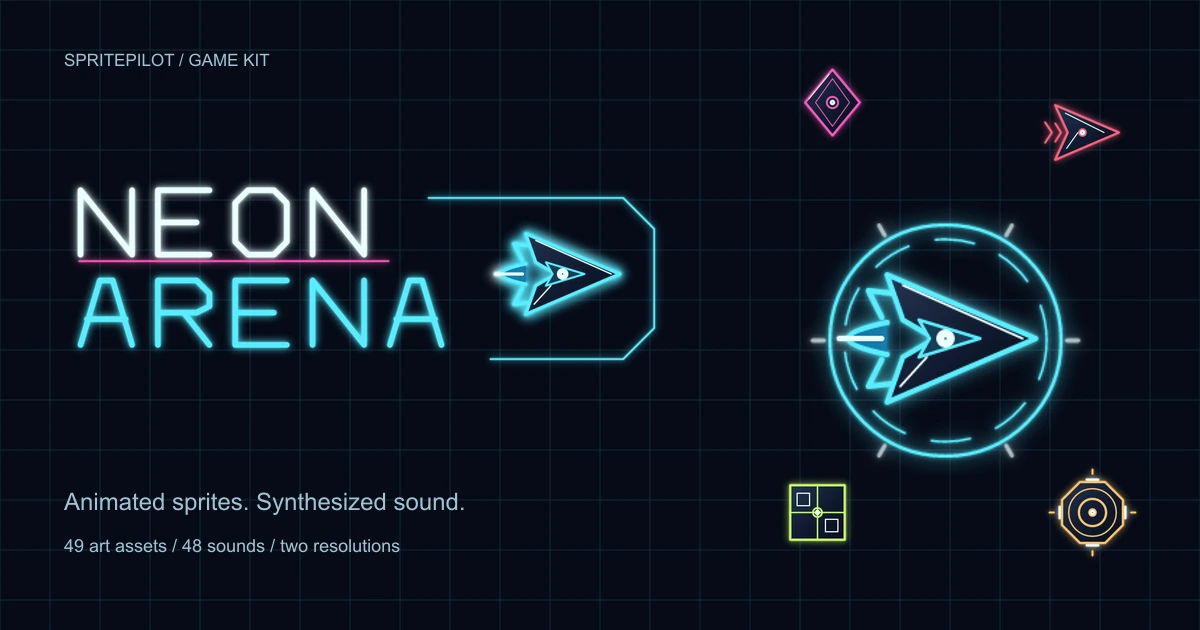
A neon survival shooter kit with animated vector sprites, sound effects and 3 original music tracks.
49 art assets · 31 sound families · 48 SFX recordings · 3 original music tracks (OGG + MP3) · 1× / 2×
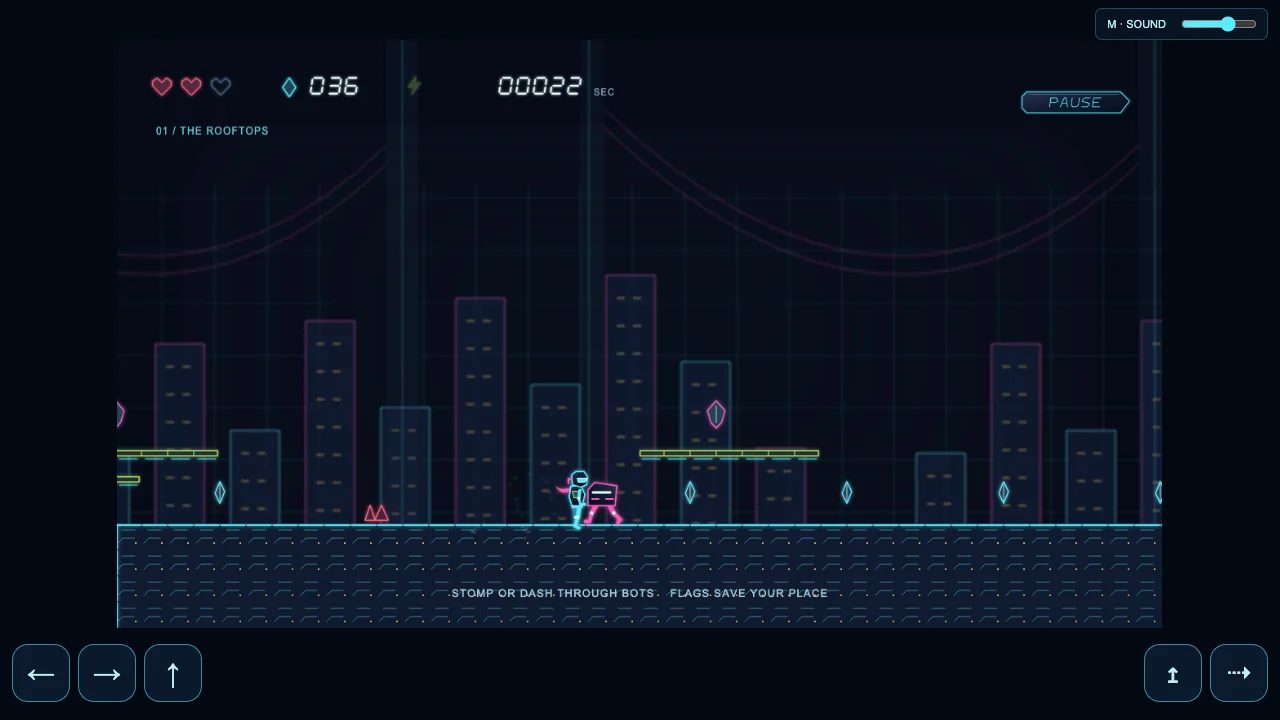
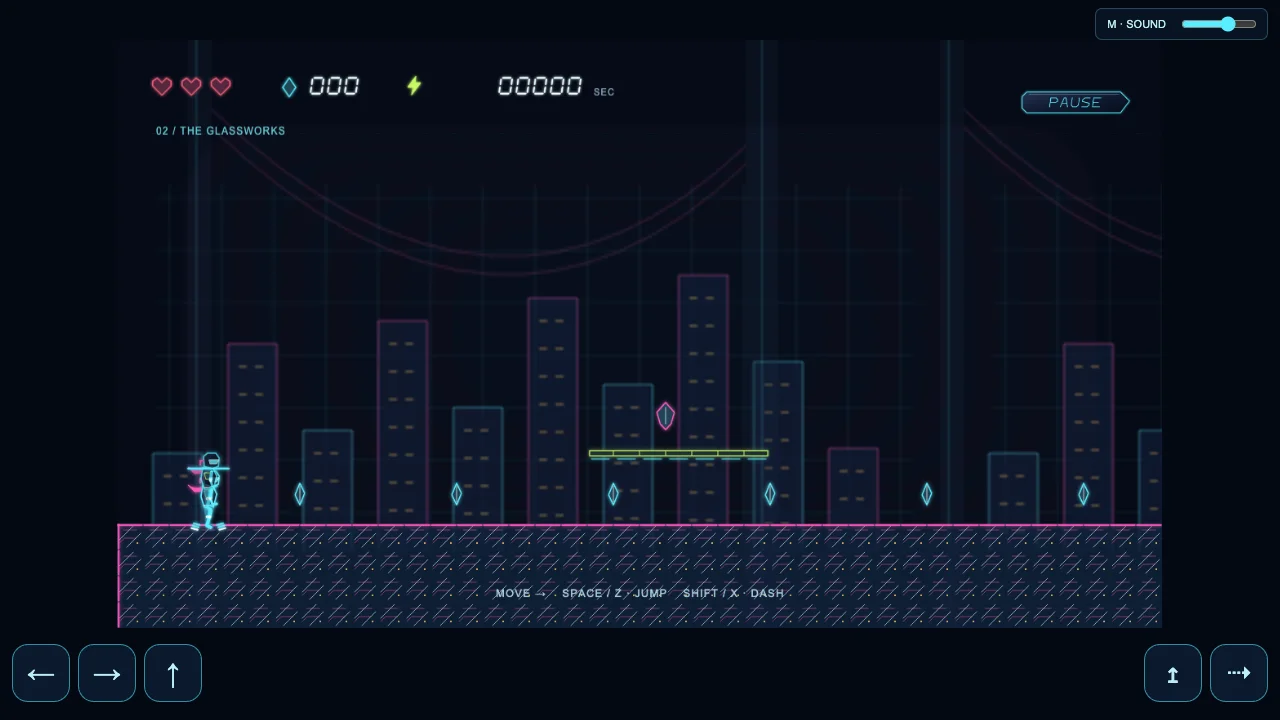
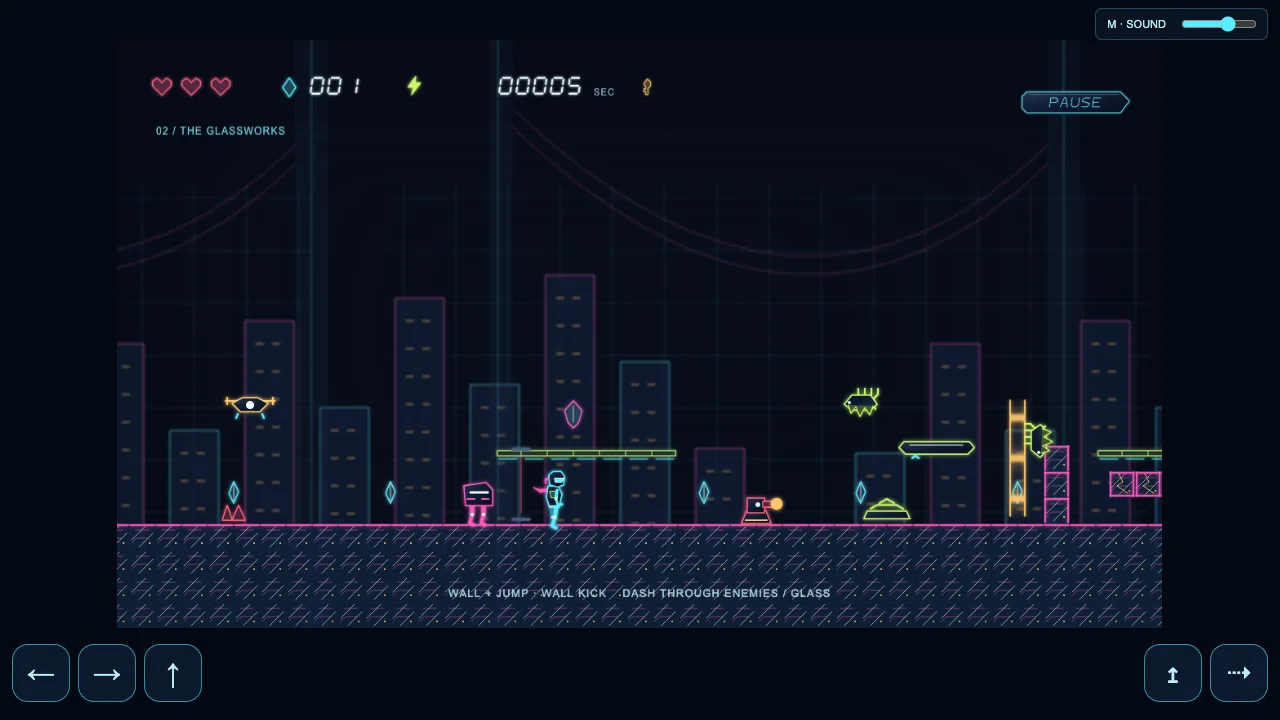
Neon Runner is a platformer across two neon districts. Jump, dash, climb and collect shards, then find the key to the second district’s exit. Play the demo to see the terrain, characters and sounds in motion.
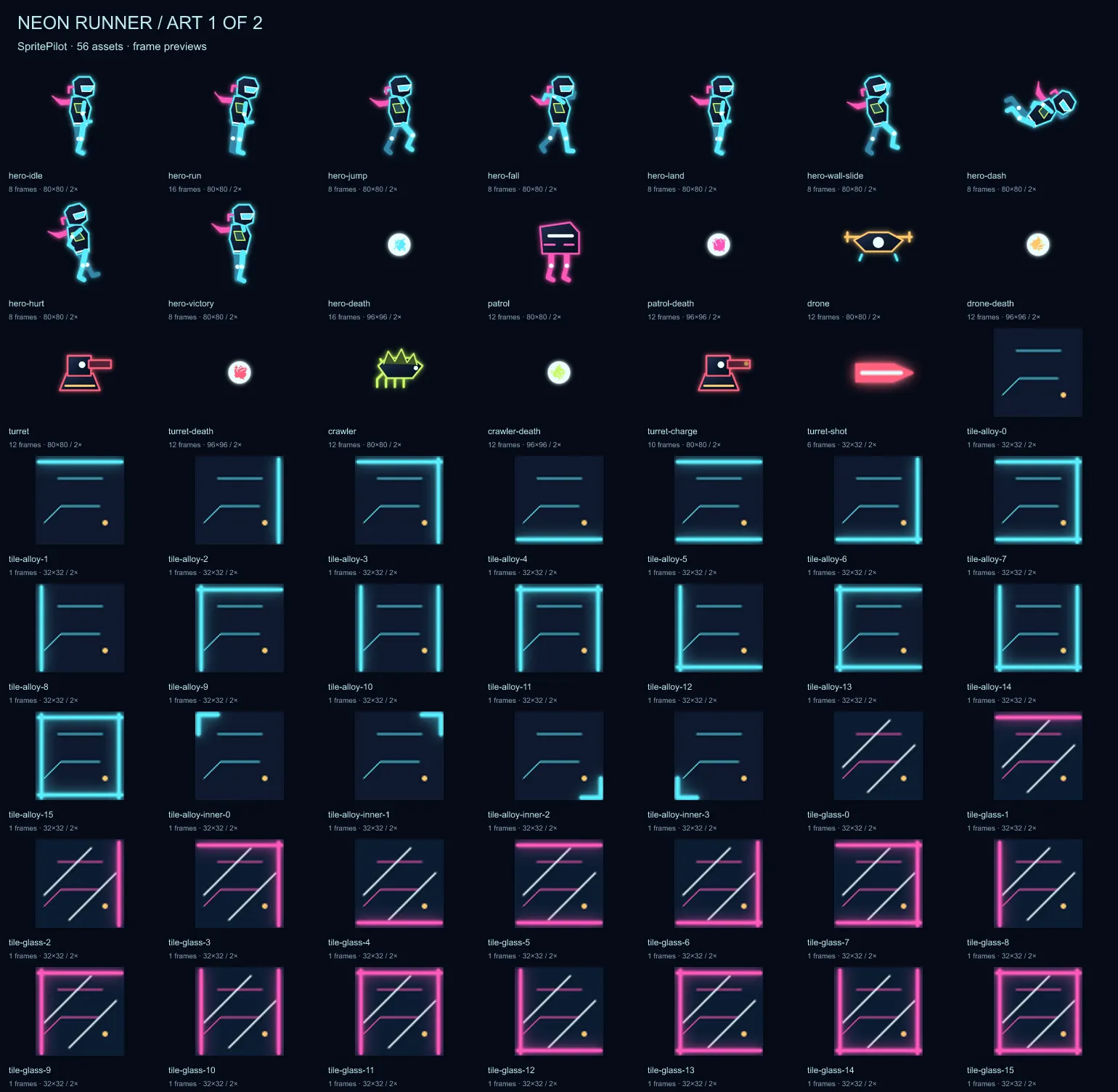
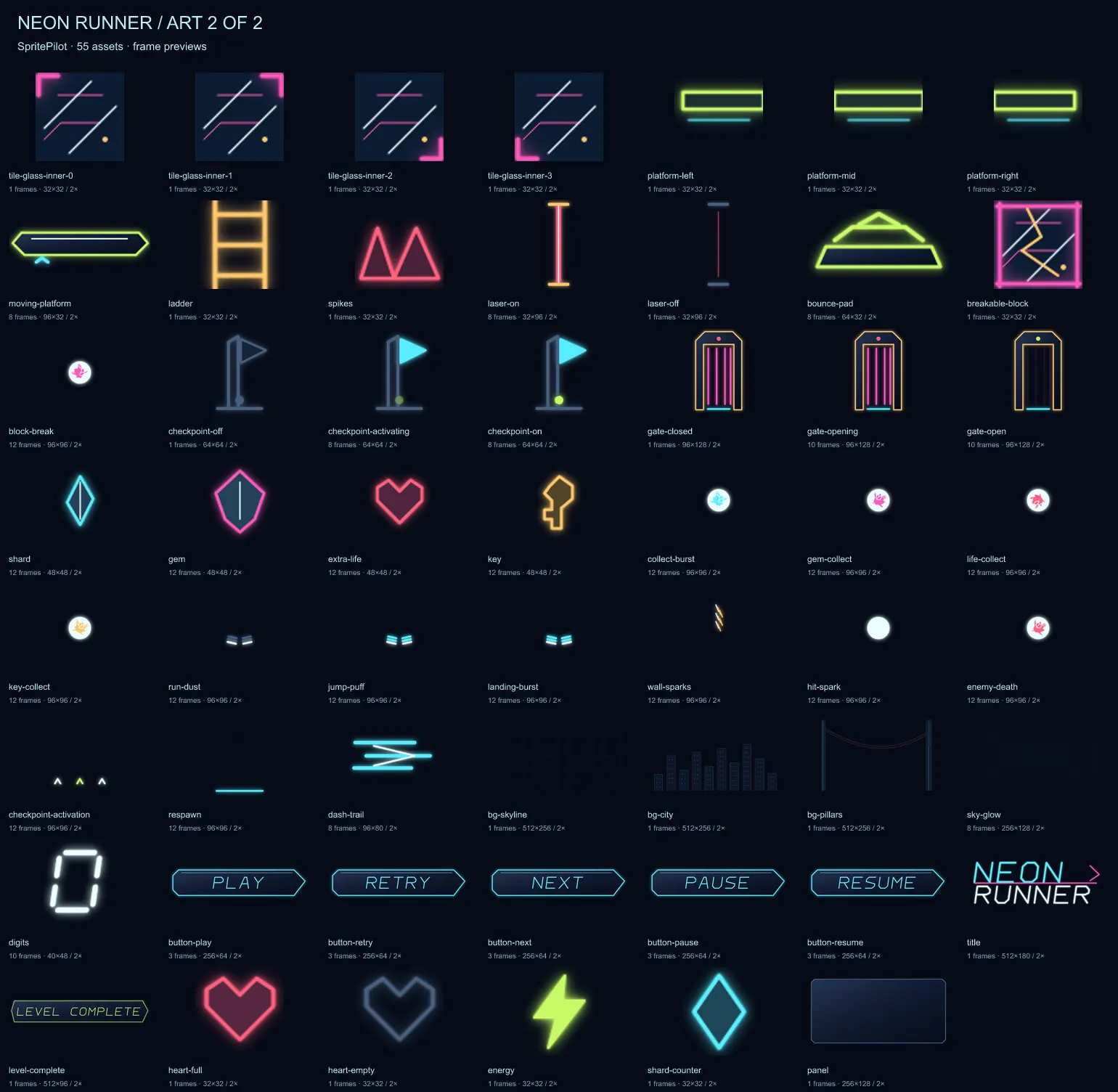
The free kit includes 111 art assets with 572 frames at each of two resolutions, plus 30 sound families with 44 recordings and 3 original music tracks. Download transparent PNG strips, atlas JSON, frame-zero SVG sources, APNG previews and sound files to use in your own project. Category counts refer to art entries or animations, not distinct character designs.
Every sprite is vector art drawn in code. Sound effects are synthesized in code. The original music is performed with software instruments. The download includes both 1× and 2× artwork and timing metadata; the rendered sprites are ready to import into a game engine.
Download the kit (.zip, 20.79 MB)
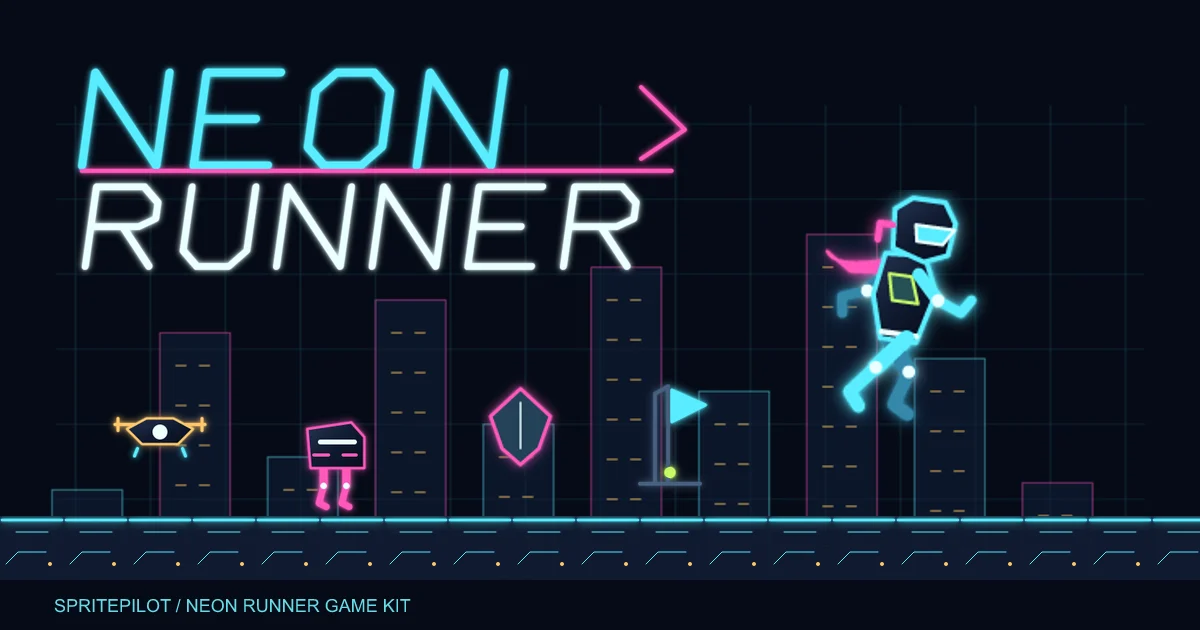
Play Neon Runner in your browser
572 frames per resolution. PNG strips at 1× and 2×, frame-zero SVG sources, lossless APNG previews, atlas JSON and pack.json timing metadata.
Frame sizes (px): 1024 × 192; 1024 × 360; 1024 × 512; 128 × 128; 128 × 64; 160 × 160; 192 × 160; 192 × 192; 192 × 256; 192 × 64; 256 × 128; 256 × 64; 32 × 32; 32 × 96; 40 × 48; 48 × 48; 512 × 128; 512 × 180; 512 × 256; 512 × 96; 64 × 192; 64 × 32; 64 × 64; 80 × 80; 80 × 96; 96 × 128; 96 × 32; 96 × 80; 96 × 96.
Animation speeds: 8, 12, 16, 18, 20, 24, 30 fps. A speed of 0 means static art or indexed states.
Sound: 44 recordings in mono 44.1 kHz 16-bit WAV, Opus OGG and MP3. Use WAV for seamless loops; sfx/sfx.json lists timing, loop flags and volume suggestions.
Music: 3 original tracks in stereo Ogg Vorbis and MP3: Runner Menu Loop (69.818 s, 110 BPM, G major, loop); Runner Level Loop (109.714 s, 140 BPM, G major, loop); Runner Level Complete Sting (4.600 s, 140 BPM, G major, one-shot). Use OGG for seamless loops; some engines ignore MP3 gapless headers. music/music.json gives exact loop points and suggested volumes. Godot, Unity and Phaser import the Ogg Vorbis files directly.
Phaser: Load atlas-1x.png and atlas-1x.json with load.atlas (or choose both 2x files). The TexturePacker JSON Hash preserves trimmed frame dimensions. Build animations from pack.json. Phaser guide and tools.
Godot: Add a PNG strip to SpriteFrames with “Add frames from sprite sheet.” Set horizontal cells to its frame count, vertical cells to 1, and speed and loop from pack.json. Godot guide and tools.
Unity: Import a strip as Sprite (2D and UI), Multiple. Slice by the frame dimensions in pack.json, then create clips at the listed fps. Disable compression to preserve soft neon edges. Unity guide and tools.
Tiled: Open tiles/neon-runner.tsj or maps/level-1.tmj and level-2.tmj. Terrain cells are 32 px at 1× and 64 px at 2×. The maps include collision hints and object layers; Godot and Unity need a Tiled importer or custom translation. Tiled guide and tools.
Preview a strip in Sprite Player, using its frame count and fps from pack.json. Repack frames or create engine metadata with Export & Download.
Use the assets in any game or project, including commercial projects, with no credit required. You may not resell or re-share them as an asset pack. Published by SpritePilot under the SpritePilot Game Kit License. Read the full license.
A neon survival shooter kit with animated vector sprites, sound effects and 3 original music tracks.
49 art assets · 31 sound families · 48 SFX recordings · 3 original music tracks (OGG + MP3) · 1× / 2×
Browse the free pixel-art packs